Zombie AI Pet Video Generator.
You recognize the familiar eyes and markings on an unfamiliar street. Your pet comes closer, and the embrace cuts to a warmer memory. Start this fictional reunion with one pet photo and one of you.
Create your pet story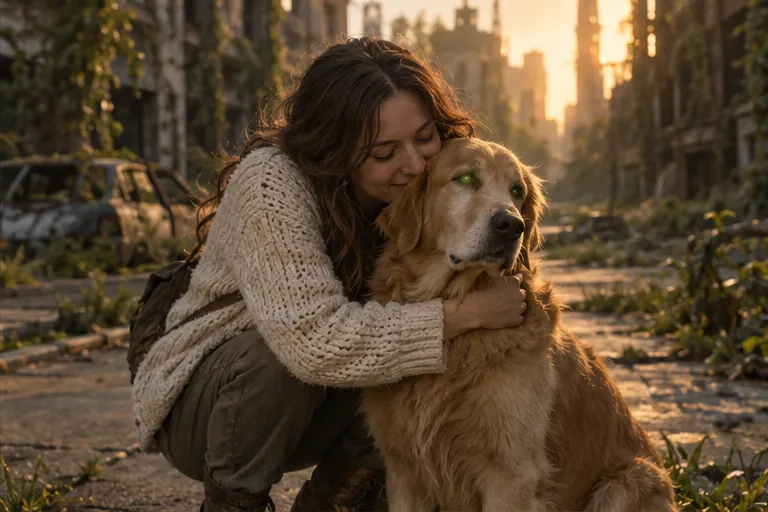
Keep your dog recognizable
Choose a photo with a clear head, ears, nose, and coat. Include one dog, with no obstruction around the eyes. A collar or bandana can provide another recognizable detail.
A pet story works with a walk toward you, a gentle lean, or a nuzzle. Keep natural limbs and proportions as the ruined street cuts to a reunion in a park or by the sea.
Show your cat’s eyes and markings
Use a photo showing both eyes, ears, and facial markings. Avoid a tiny figure in the distance, a face hidden in a blanket, strong backlight, or motion blur.
A cat can approach, nuzzle a hand, or lean into its owner. Preserve its size, coat, and markings, with light fantasy makeup so it stays recognizable in the memory.
Upload two normal photos
Upload your dog or cat on the left: this is the character who turns. Upload yourself on the right: you are the survivor who recognizes them. You do not need to turn the pet photo into a zombie first.
Use JPG, PNG, or WebP, up to 10 MB per photo and at least 300 pixels on each side. Selecting a file creates a local preview; photos are submitted only when you generate.
Choose the memory your story cuts to
Choose the last city, an overgrown world, or the last sunset. Each setting is paired with a park, garden, or seaside memory, with matching character positions and movement.
The current generator requests a 15-second video with 9:16 or 16:9, 720p or 1080p, and optional sound. AI can change markings, movement, or likeness. Check the finished clip before sharing.
Common questions
Do I need one photo or two?
Two: one photo of your pet and one of you. Keep one main character clearly visible in each photo.
Can I use a dog or a cat?
Pet mode accepts a dog or cat reference. AI may change animal features; completed pet-video quality on this site has not yet been verified, and exact likeness is not guaranteed.
Can I use a photo of a pet I lost?
You can use an older photo you have permission to use. Choose a clear image with recognizable features. The memory is an AI-created scene, not recovered footage of a real event.
Does the pet page cost the same as the homepage?
Yes. Both use the same credit rules: 20 site credits per 15-second video. Check your balance and the current packs before generating. Confirmed technical failures return the reserved credits.