Bulin 47 AI Video From a Photo: A Freestyle for Your Group Chat
How to make a Bulin 47 AI video from a photo, with portrait tips, face swap details, original template sound and a clear look at paid generation.
Somewhere in your camera roll is a portrait of the friend you can picture joining a street freestyle. Perhaps they are the loudest person at every party. Perhaps their very serious expression is what makes the idea funny.
Bulin 47 AI gives that idea a place to start. You supply one portrait, and the tool uses it to replace the lead performer in a fixed street-performance clip. The surrounding crowd and handheld camera give a familiar face a rather unexpected setting.
For a group-chat joke or a birthday surprise, that is a useful starting point. You can choose the person first, then let the scene do some of the work.
How to make a Bulin 47 AI video from a photo
Start by watching the reference. This studio uses an excerpt of the Bulin 47 street freestyle, with the pink-shirt performer as the replacement target. Once you know who changes in the scene, choosing a portrait becomes much easier.
The browser workflow is short: add a photo, preview it locally, then sign in and review the credit cost before generating. The reference already provides the performance and framing. You can focus on finding the right face rather than writing a long prompt about a street corner and a crowd.
For a first attempt, use your own photo or a portrait someone has agreed to let you use. If the idea involves several friends, each person needs a separate generation; the studio currently casts one replacement lead per video.
The site's Bulin 47 AI video tutorial explains the upload and review steps in more detail.
A Bulin 47 face swap video starts with more than the face
A clear half-body portrait gives the model useful context about the person you want in the scene. Keep the face, hair and upper body visible, and follow the site's advice to include both hands where possible. Strong filters and sunglasses remove details the replacement needs.
That matters because this workflow edits the character's appearance, including hair and clothing. A tiny face crop leaves much less information to work with. You can read the site's character-replacement guide before choosing your picture.
There is also a creative choice here. A portrait with a familiar expression can make the clip feel more personal to the people receiving it. The friend who always poses like they are taking an ID photo may be exactly the person you want leading the performance.
Once the result is ready, watch it through. Head turns and hands moving across the body are useful moments to check, along with whether the person still looks recognizable as the shot continues.
Making a Bulin 47 AI video on your phone
You can prepare the portrait and use the studio in a mobile browser. It accepts JPG, PNG and WebP, with the photo requirements shown in the upload guidance. There is no editing app to install just to submit the portrait.
The current output is a roughly 15-second, 480p clip in vertical 9:16 framing. That suits a short video you want to watch on a phone. Plan around those settings rather than expecting a long performance or a high-resolution export option.
After downloading, you can add a birthday message, a short caption or an in-joke in your usual editor. Put text where it leaves the performer's face and hands clear. The clip already has plenty happening; one line can be enough to tell your friends why you sent it.
The Bulin 47 AI template and its original sound
The street freestyle gives this template its context. The site distinguishes that performance from the separate Dame Hombro official music video, which is worth checking if a particular song is what brought you to the trend.
According to the current original-clip and audio notes, the studio restores the fixed template soundtrack after the character edit and includes it in the preview and download. Review the actual audio before sharing your version.
If you want another track or a caption timed to a specific beat, finish those choices in an editor after downloading. A short personal message often gives the clip more purpose than adding another effect.
Is Bulin 47 AI free to use?
You can browse the examples, read the guides and preview a portrait locally for free. Creating the finished video uses purchased credits. The current listing is 20 credits per generation, with a single-video pack priced at US$6.90 and one-time larger packs available.
That makes browsing first sensible. Watch the reference, decide whose portrait fits the idea and check the current price before generating. A different portrait submitted as a new generation uses credits again.
This is an independent creative tool. The gallery includes third-party references, so use those clips to understand the format and judge your own generated result separately.
A street freestyle has a very different mood from the quiet wrong-seat joke in Fancy Cafe AI. Choose the scene that suits the person you have in mind. Then, if the freestyle is the one, take a look at Bulin 47 AI and start with a portrait they would recognize immediately.
Based on the site's public pages reviewed on November 5, 2026. Cover: the site's public artwork.
Más publicaciones
Your Camera Roll Has More Stories to Tell: Meet HypeMigo
A selfie, a friend, a very serious-looking dog. HypeMigo gives familiar photos a playful new role in AI dance, duo and meme video templates.

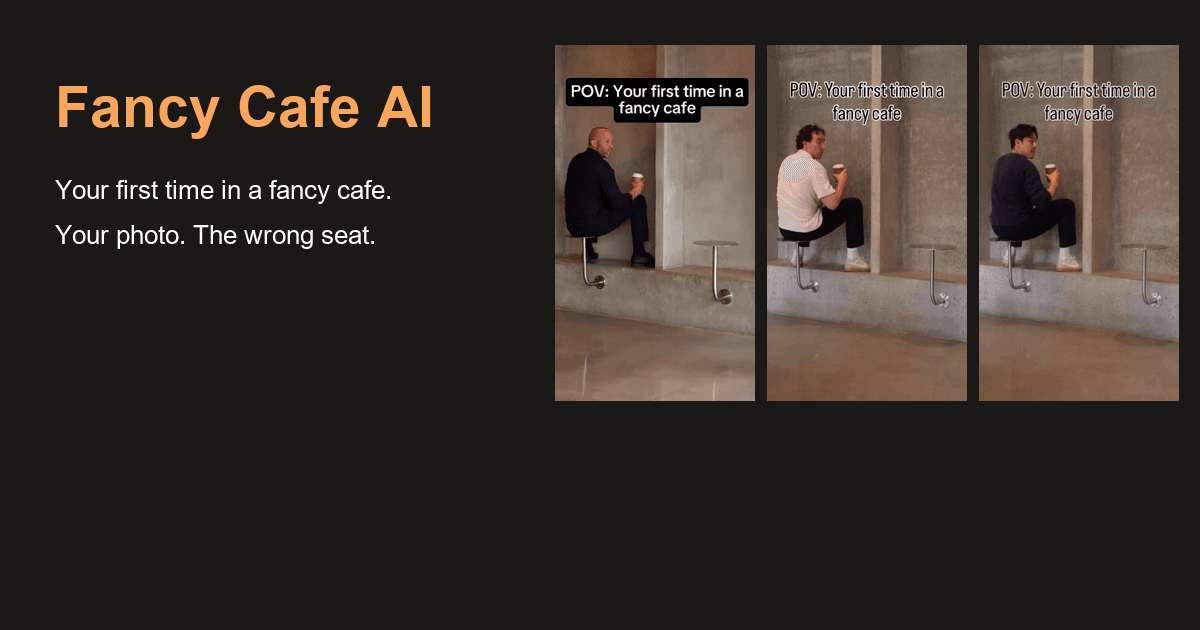
That Was a Table: Put Yourself in the Fancy Cafe Moment
A tiny table, a very confident entrance and an awkward discovery. Fancy Cafe AI lets you and a friend take the roles in the wrong-seat cafe scene.
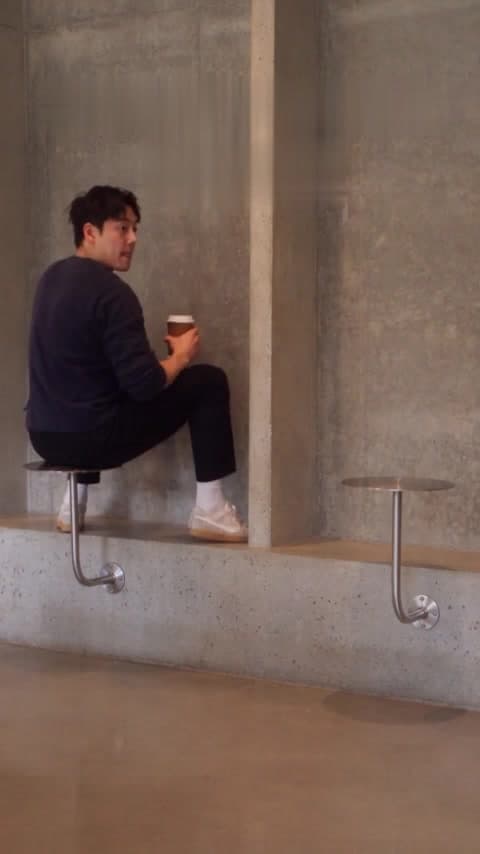
Don't Explain the Joke Before the Coffee Arrives
The wrong-seat cafe scene has a small reveal. Give viewers time to find it before adding the caption that tells them what to think.
Hoja informativa
Únete a la comunidad
Suscríbete a nuestro boletín para recibir las últimas noticias y actualizaciones.